
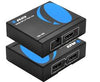
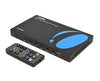

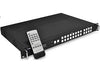










Splitters
Send one source to multiple displays with reliable video and audio distribution.

Shop by Number of Outputs


Shop by Resolution
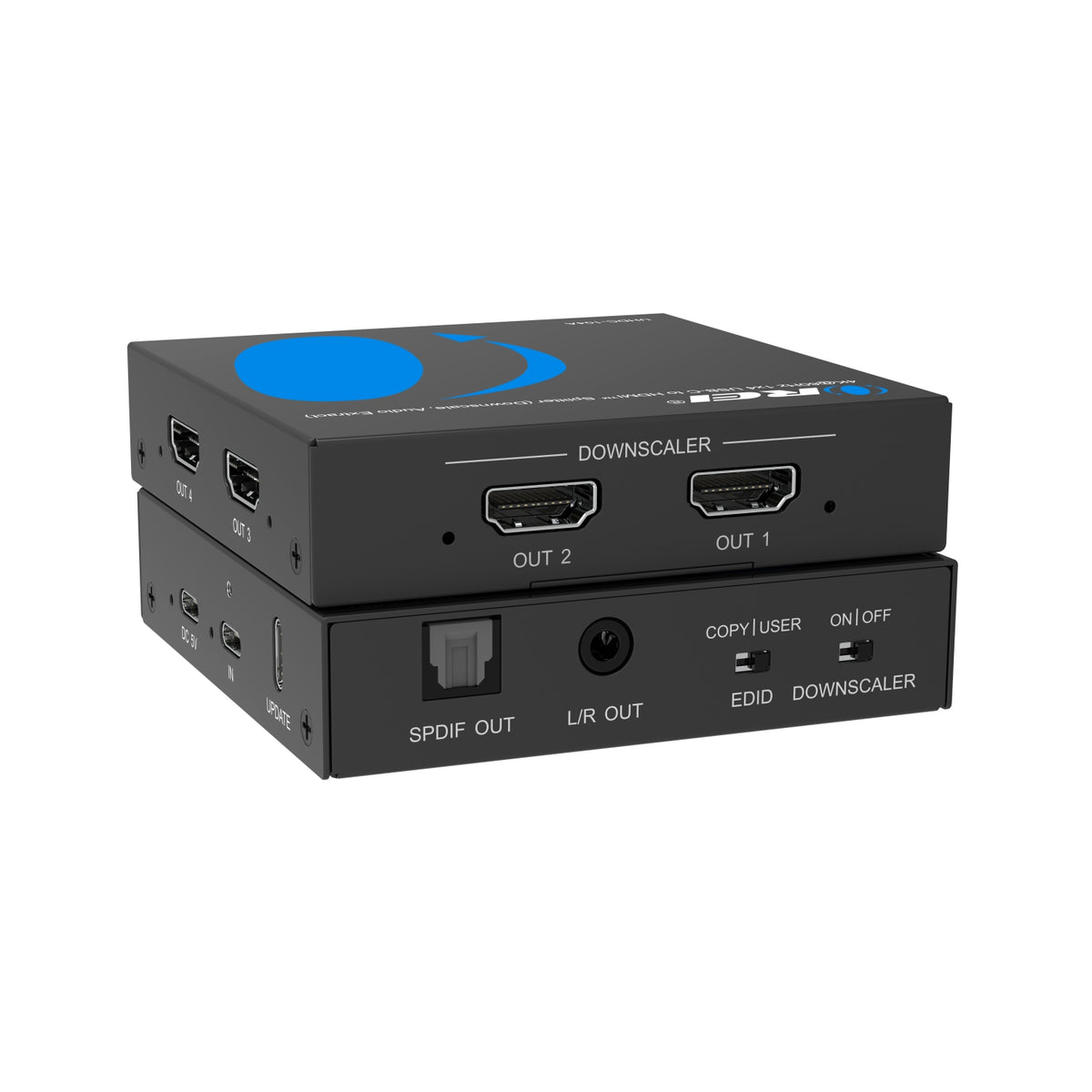
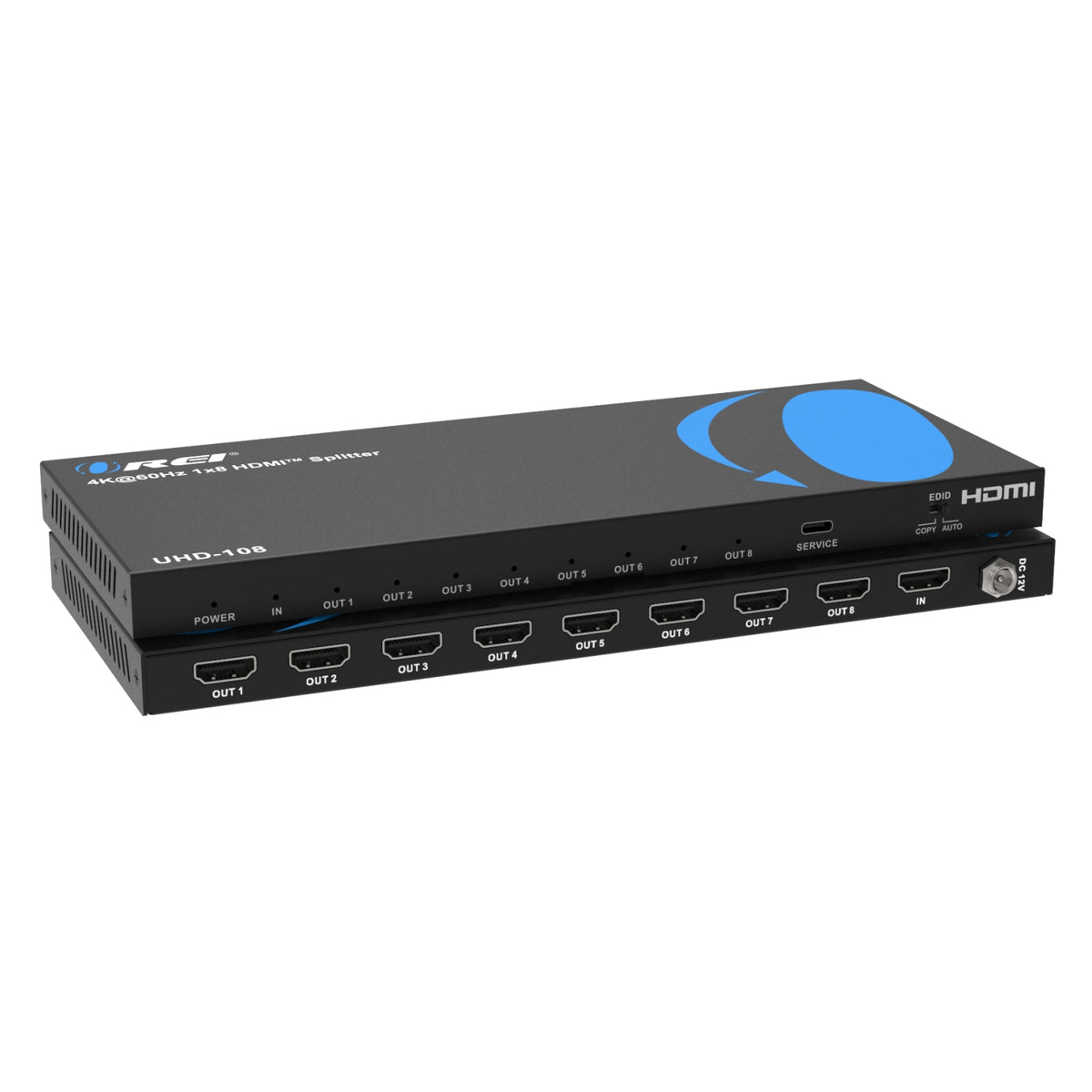
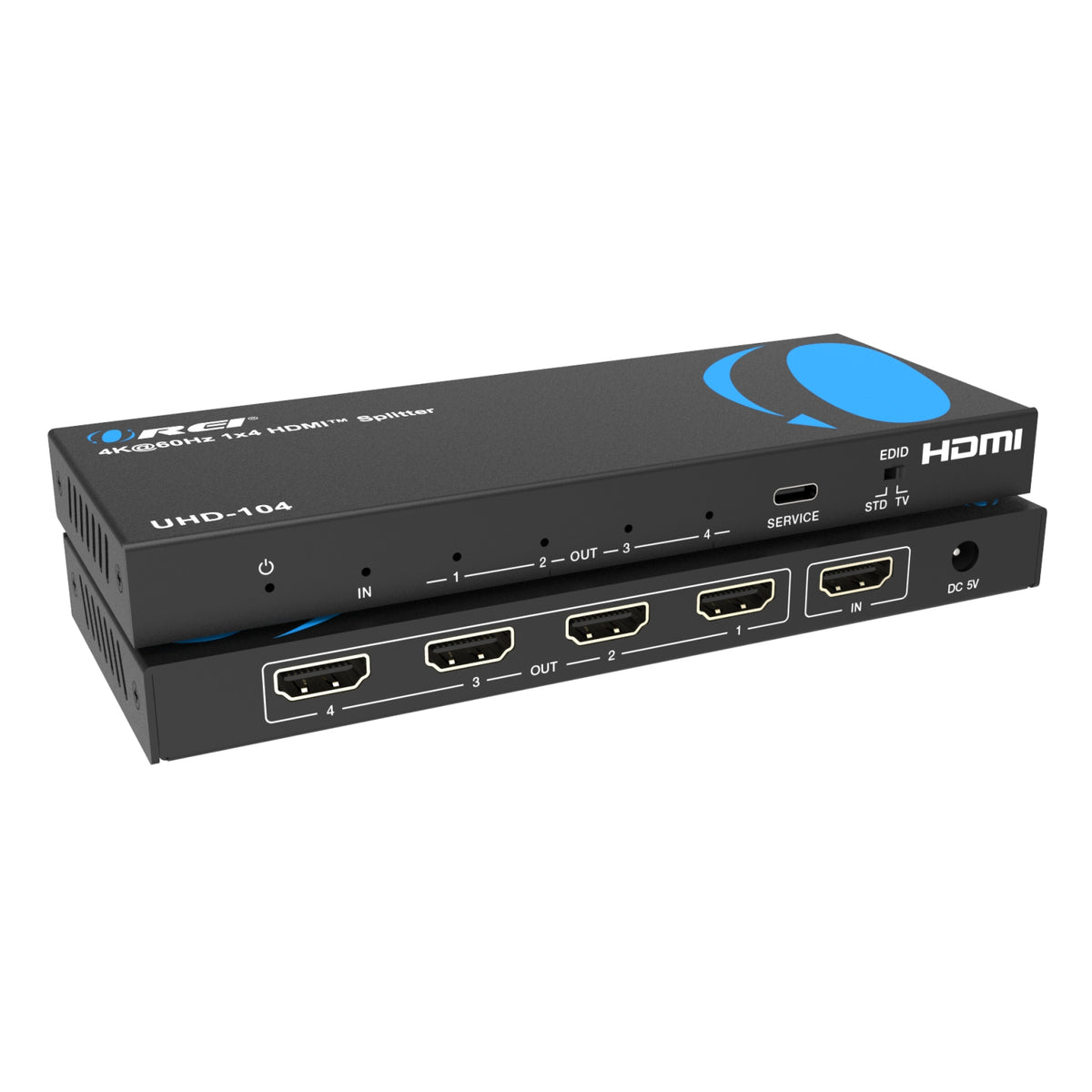
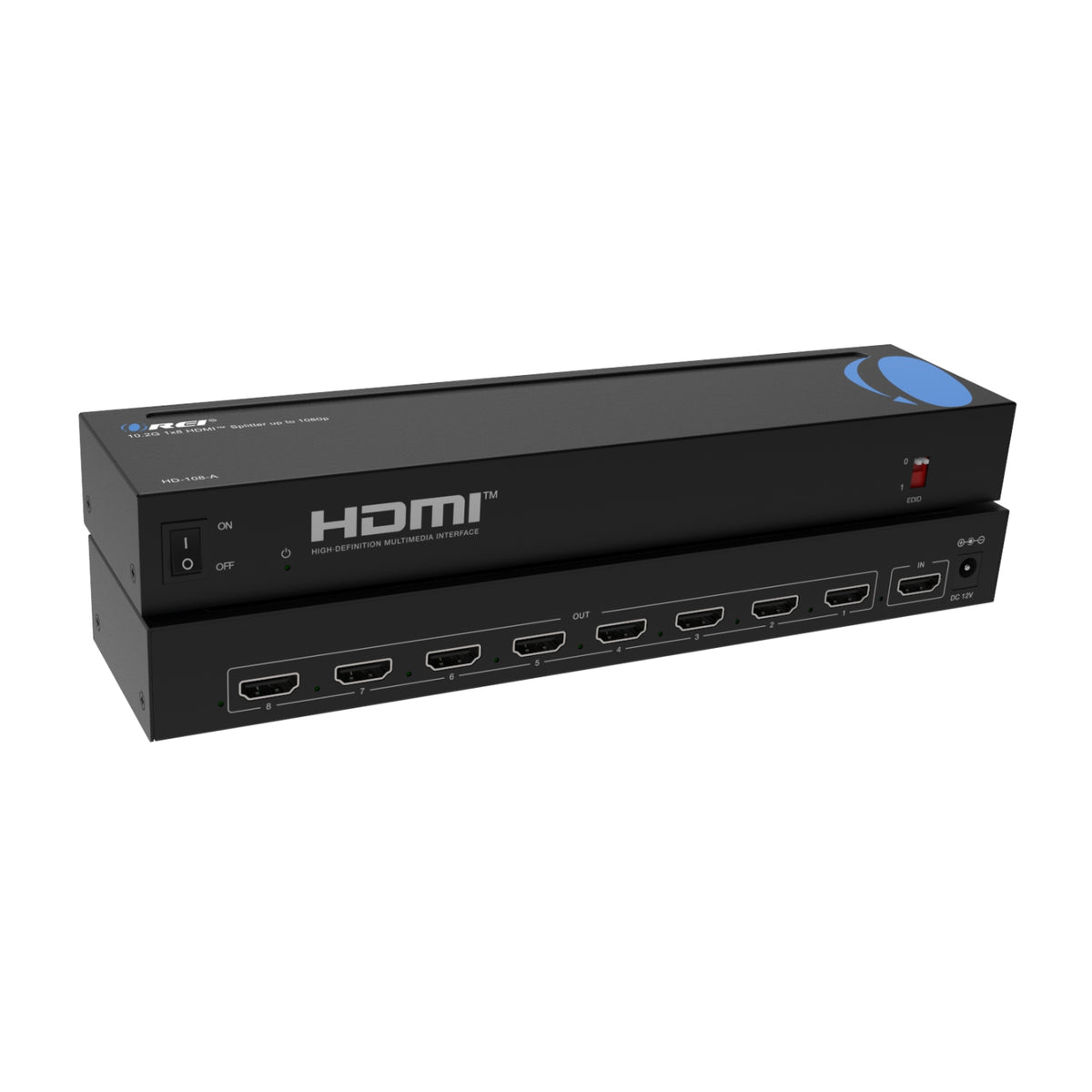
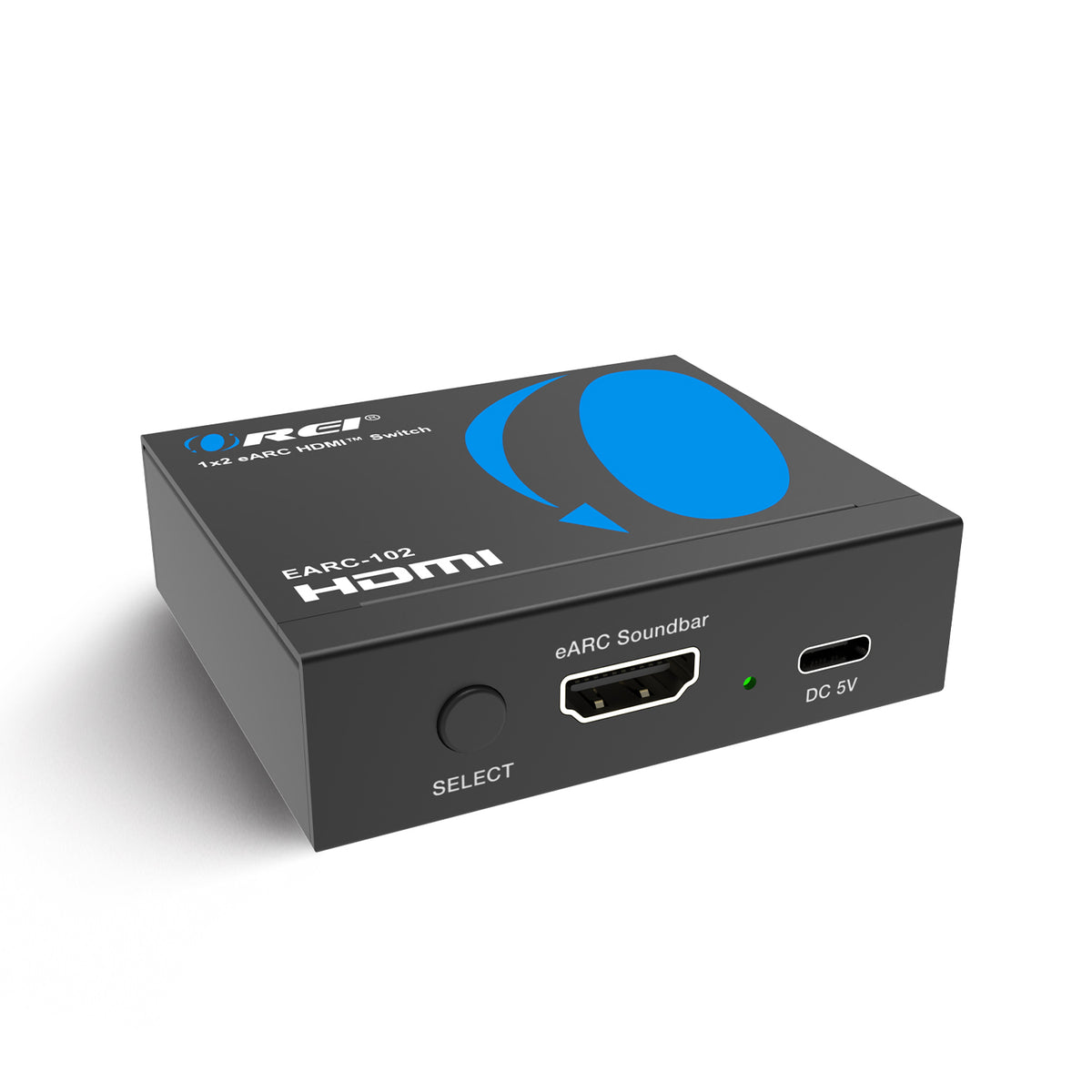
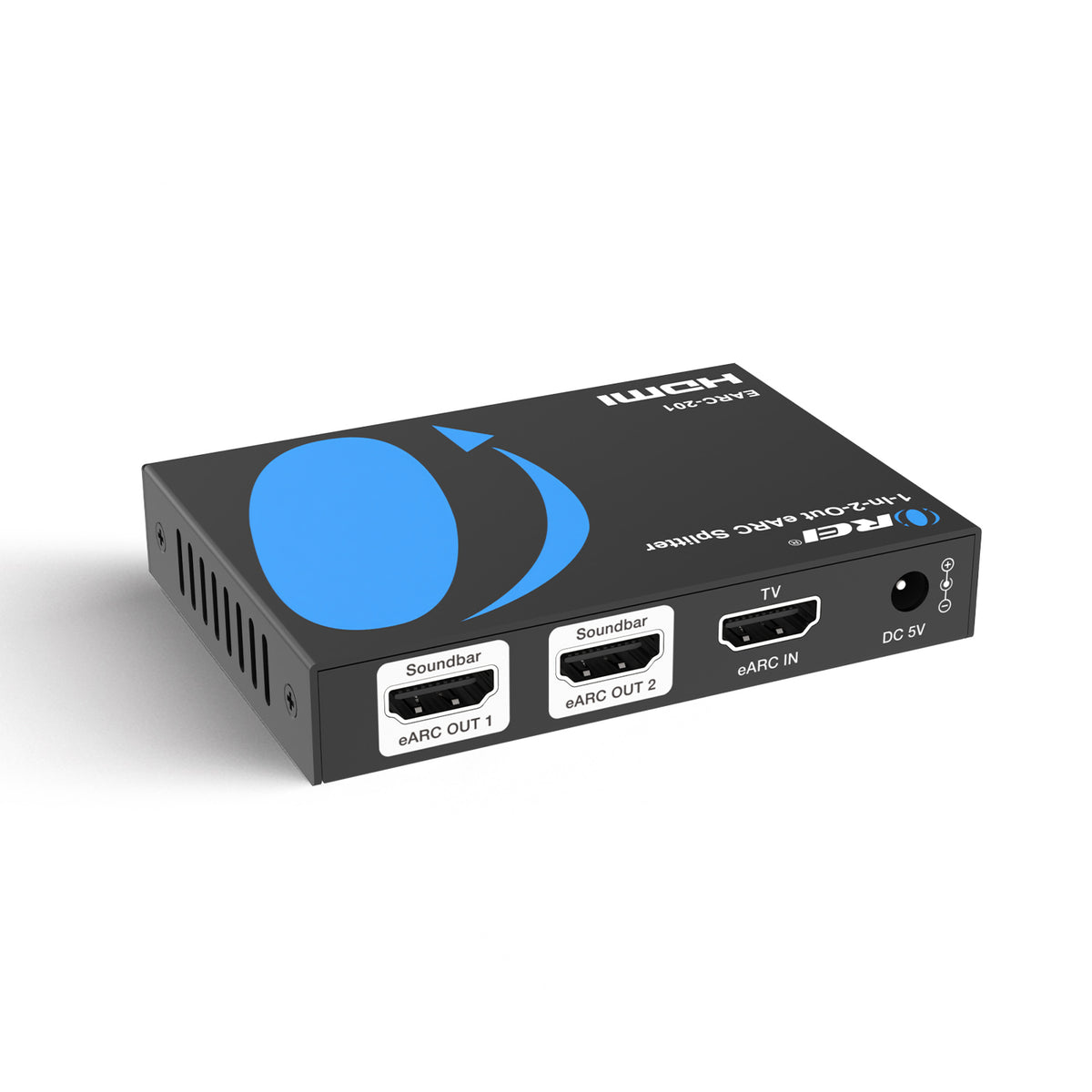
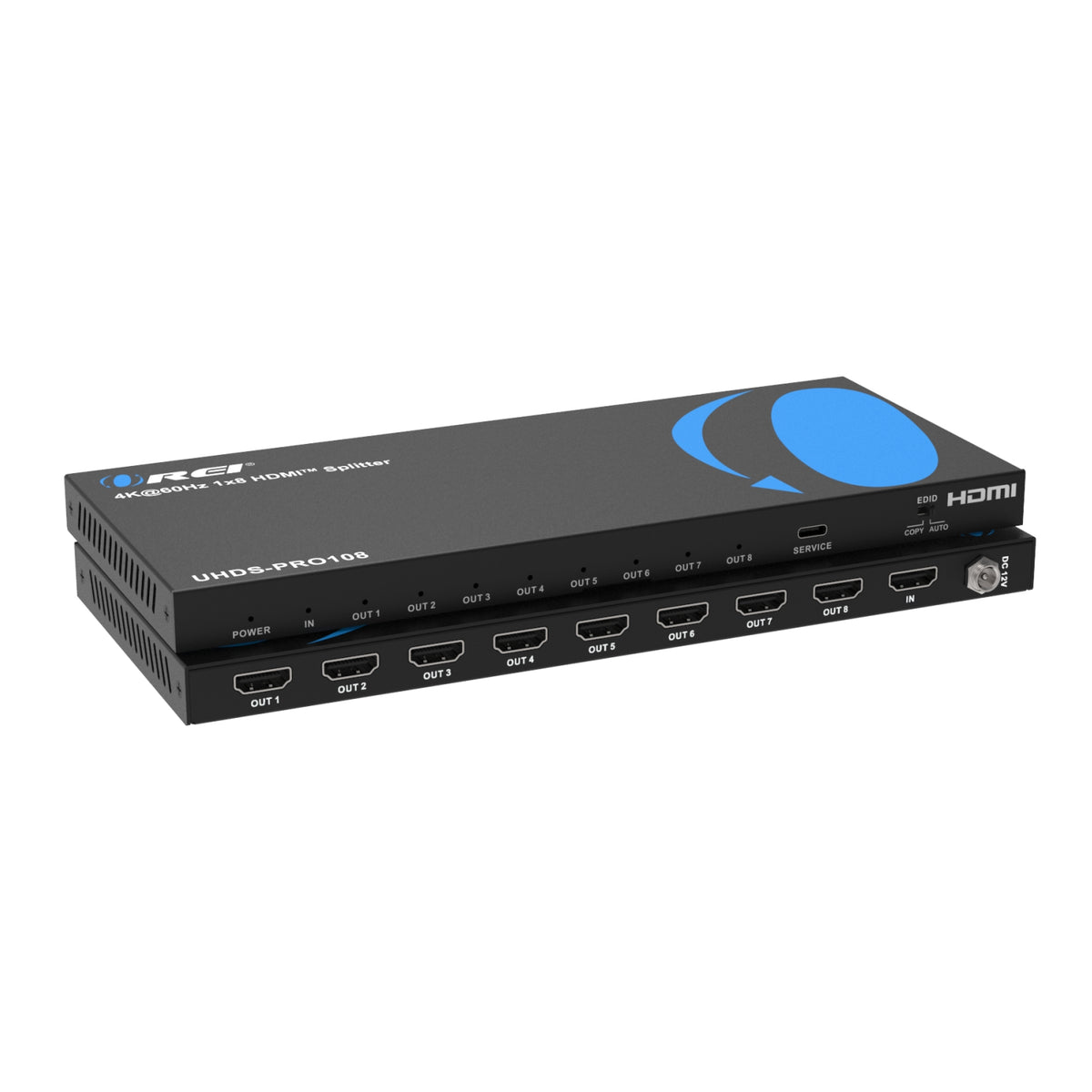
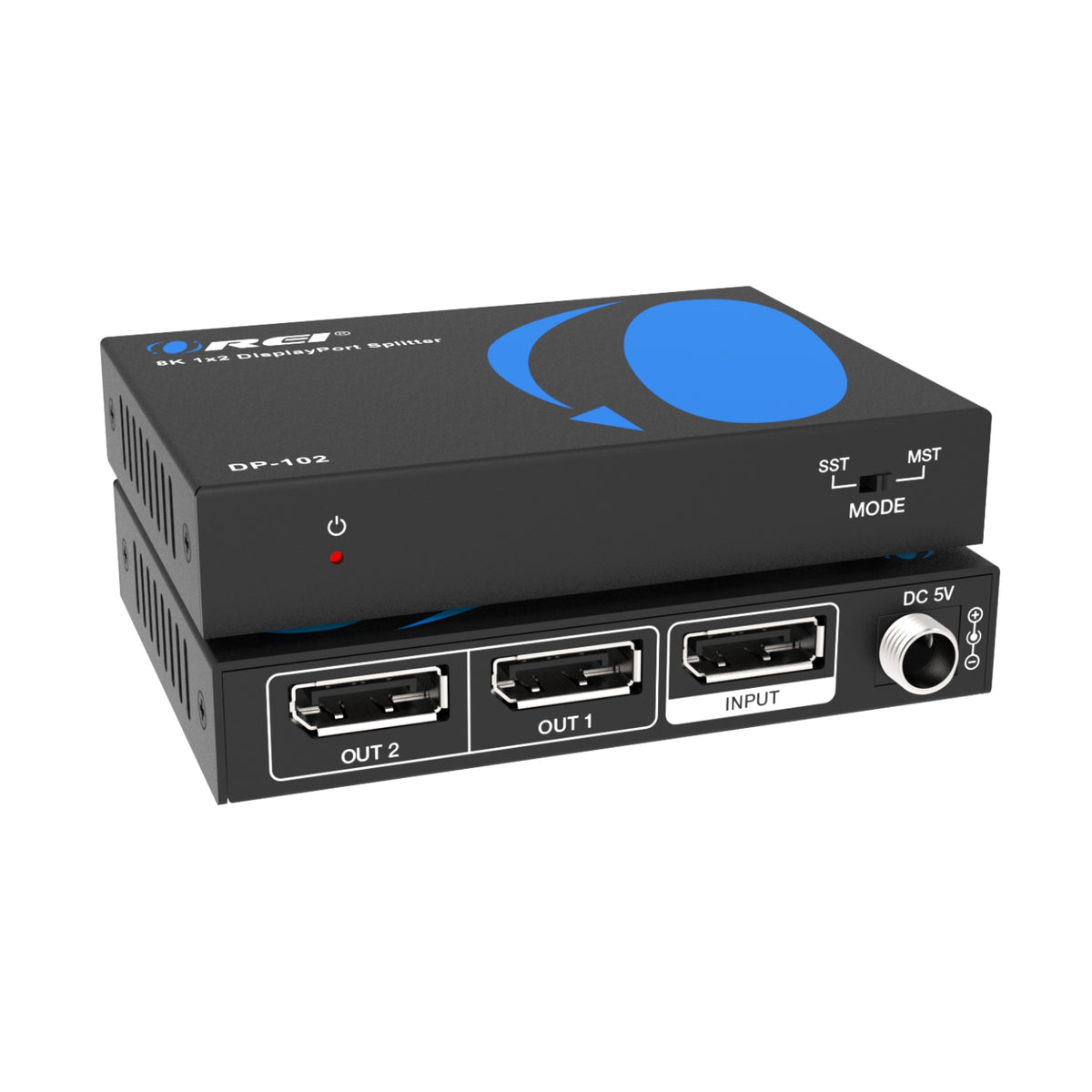

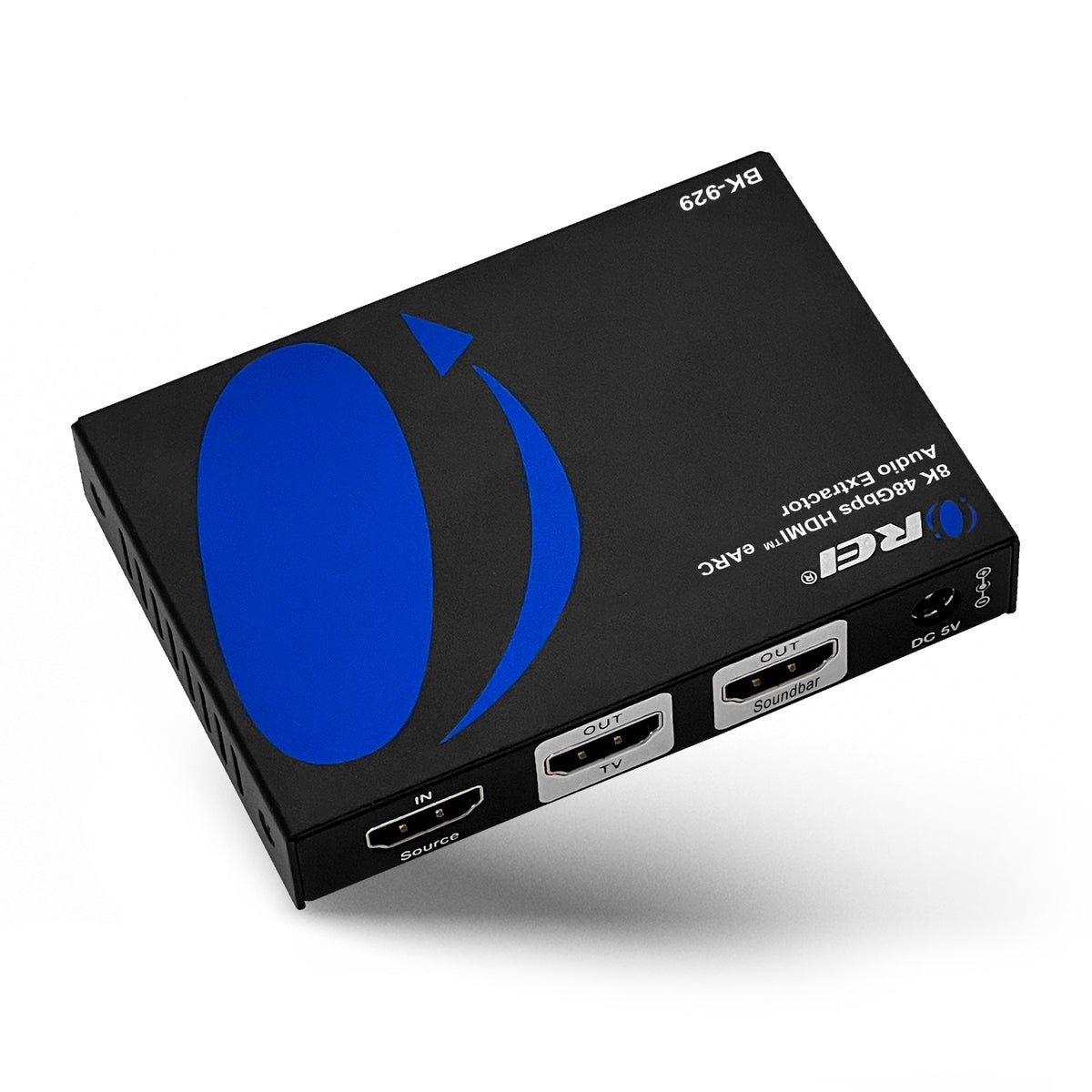
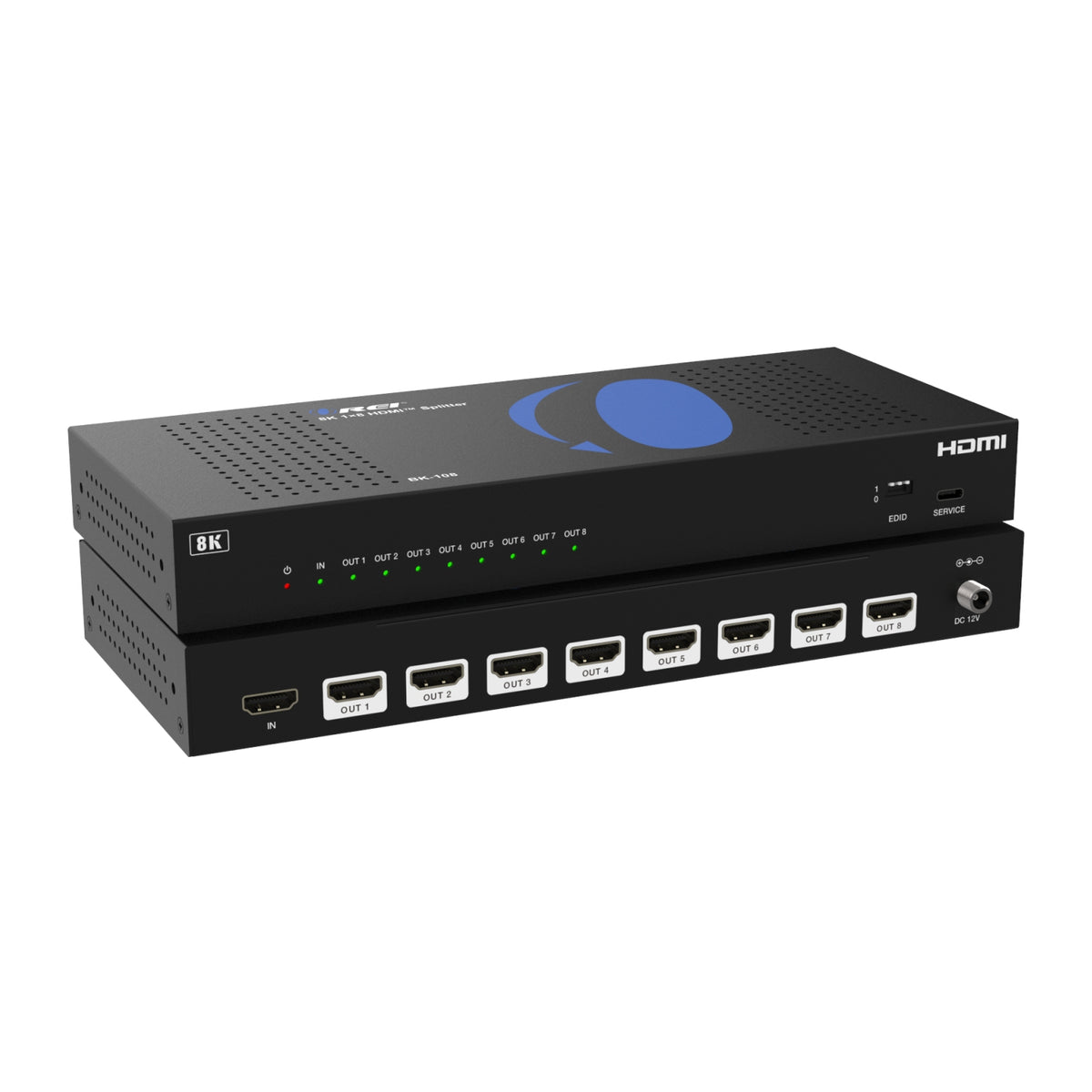
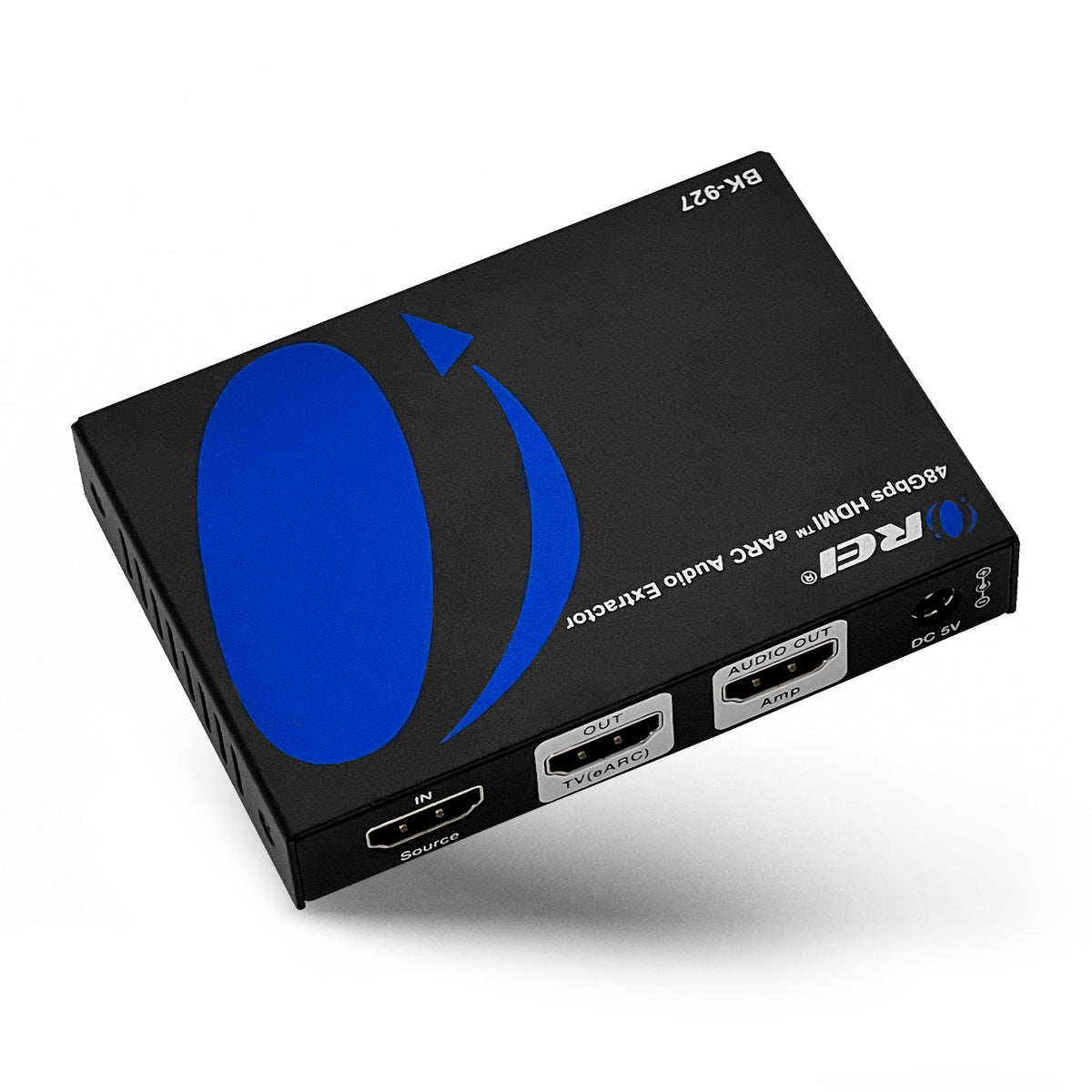
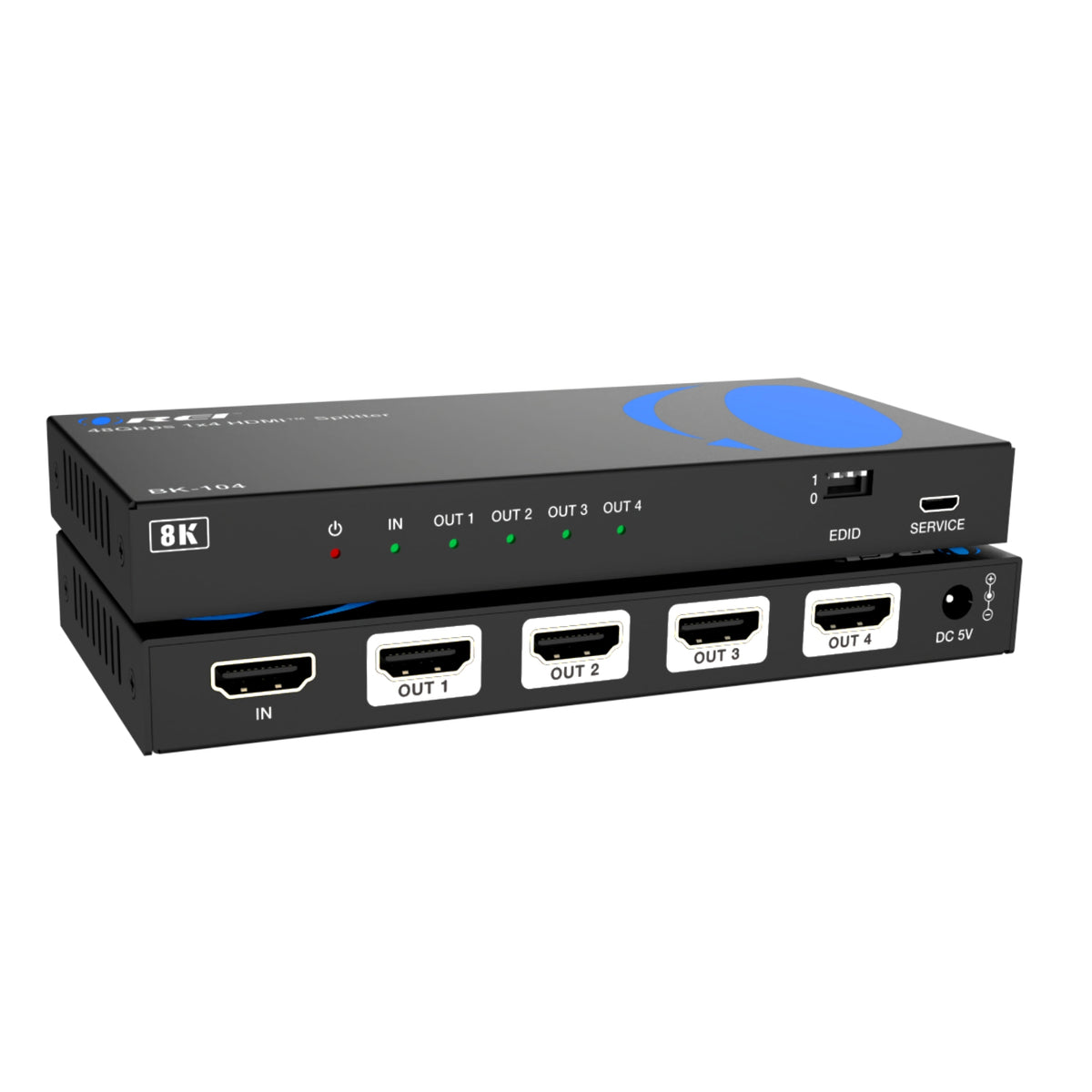
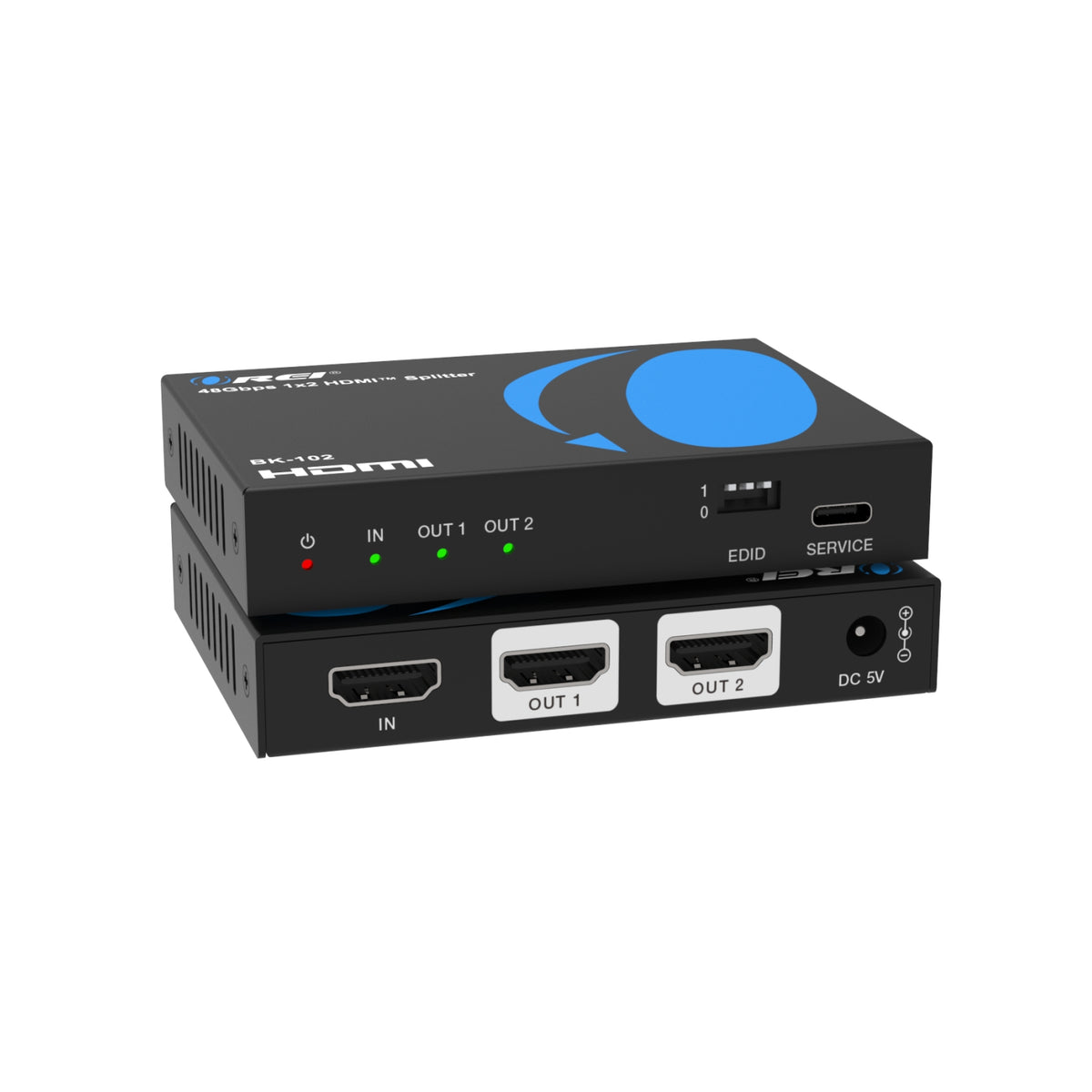

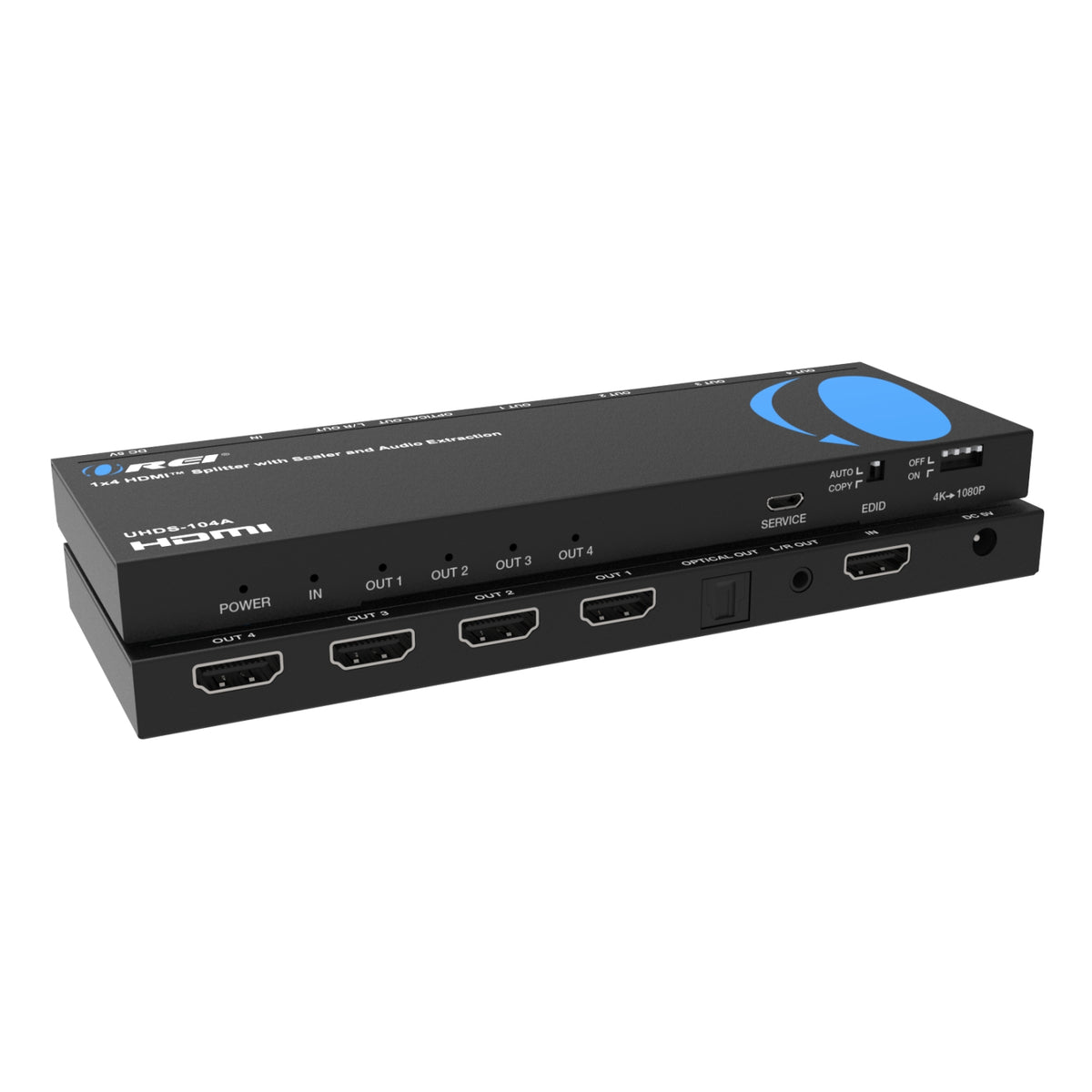
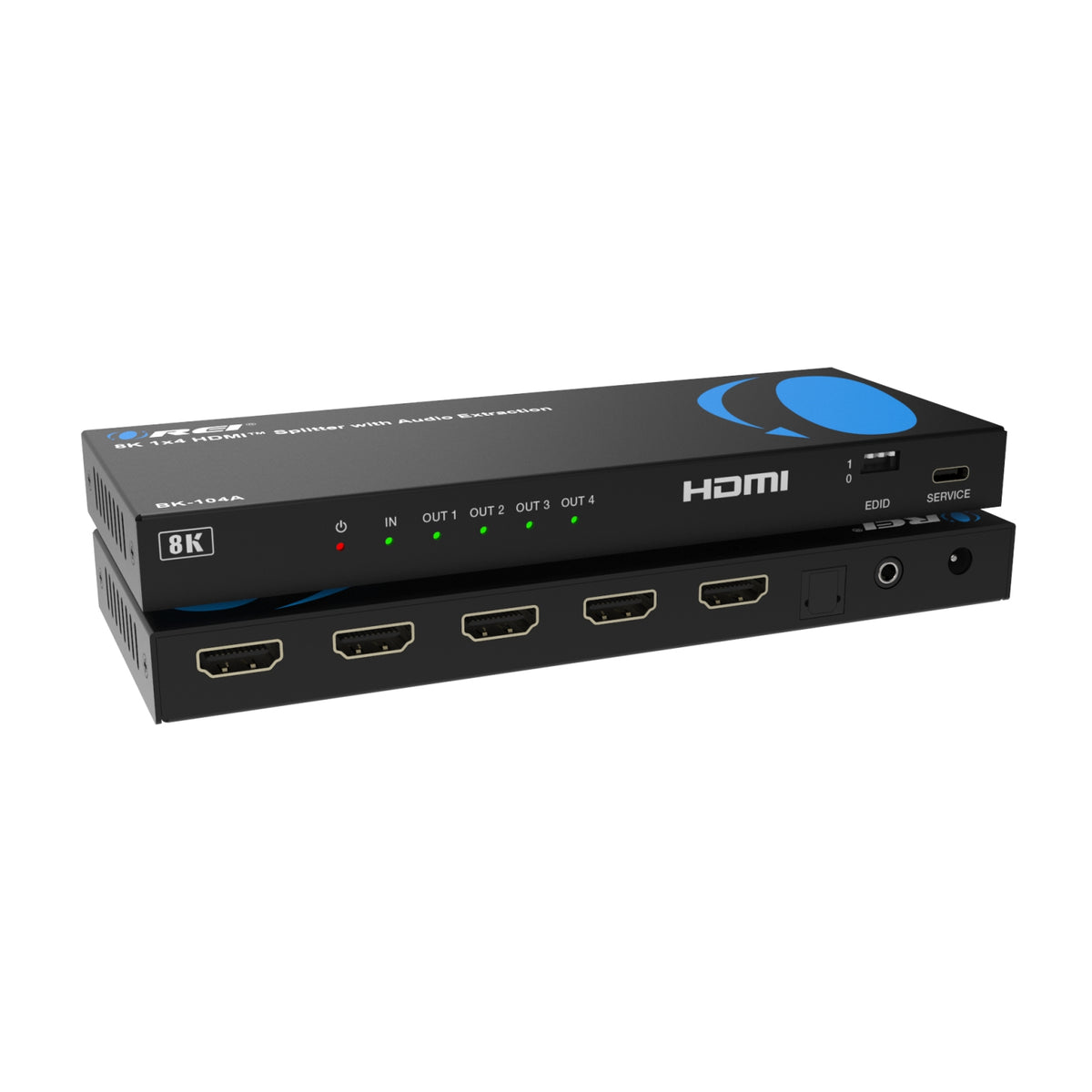
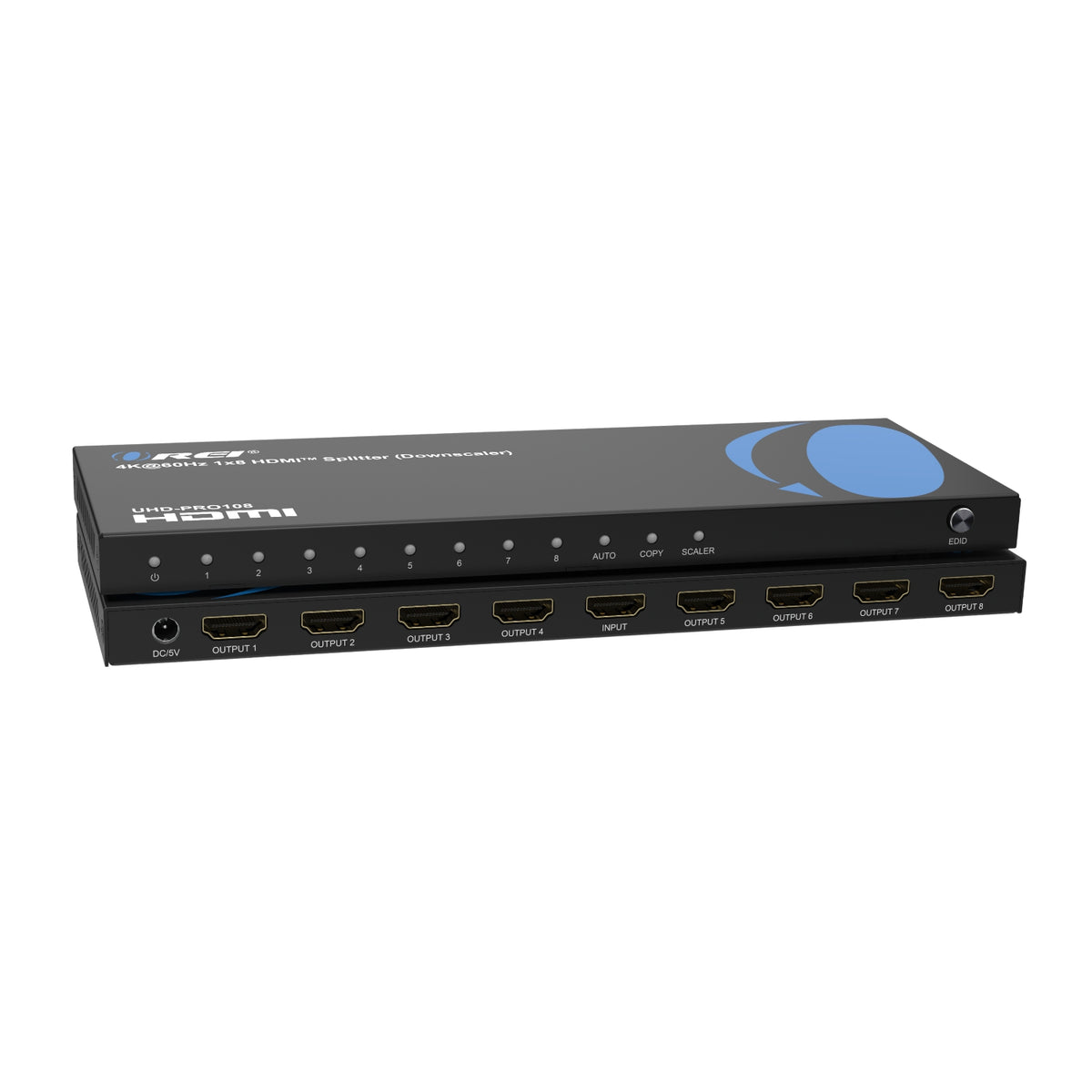
Share one video source across multiple screens with OREI HDMI splitters. Connect a streaming device, gaming console, computer, or media player to compatible TVs, monitors, or projectors and display the same content simultaneously—ideal for home entertainment, retail displays, restaurants, classrooms, and meeting rooms.
Explore options for 2, 4, 8, or 16 displays, with models supporting 1080p, 4K, or 8K video. Selected models also offer downscaling, EDID management, and audio extraction to accommodate different display and sound-system requirements.
Choose a splitter based on your setup:
-
Display connections: Match the number of video outputs to the screens you want to connect. Check whether your source uses HDMI, USB-C, or DisplayPort.
-
Resolution and refresh rate: Confirm support for your required video format across the splitter, source, displays, and cables.
-
Downscaling: Selected models can reduce video resolution for compatible lower-resolution displays. Supported conversions vary by model.
-
EDID management: Available on selected models to help manage the video and audio capabilities communicated to your source.
-
Audio features: Check the available audio outputs and supported formats when connecting speakers, a soundbar, or an AV receiver.
Standard HDMI splitters mirror the same content across connected screens. For an extended computer desktop, look for a model that explicitly supports that function and confirm compatibility with your computer and operating system. Dedicated eARC audio-routing products serve a different purpose; check their connection diagrams for the supported setup.
Need help choosing? Contact OREI support with your source device, display models, and connection requirements.


