
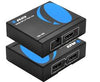
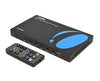

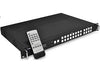










Switches
Connect multiple sources to one display and switch between them with ease.

Shop by Number of Inputs


Shop by Resolution
Shop by Feature
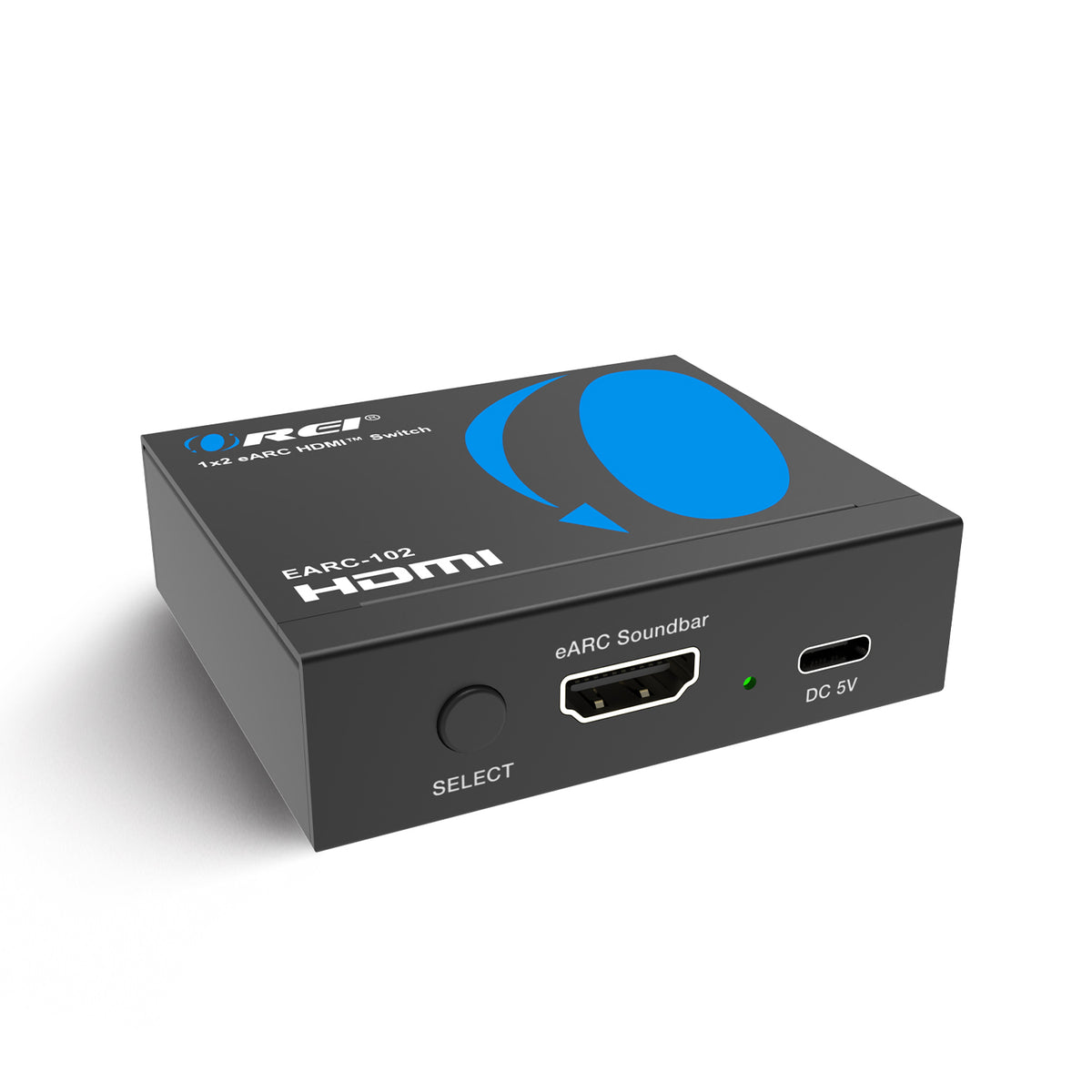


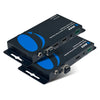
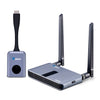
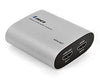
Connect your entertainment and work devices with OREI switches. An HDMI switch lets you connect multiple sources—such as gaming consoles, streaming devices, Blu-ray players, and computers—to a compatible TV, monitor, or projector, then select the source you want to display.
OREI offers switches with different input counts, resolutions, and connectivity options for home theaters, gaming setups, offices, and meeting rooms. Browse by number of inputs, resolution, or feature to find a model that fits your setup.
When choosing your switch, consider:
-
Number of inputs: Choose enough inputs for the devices you want to connect.
-
Resolution and refresh rate: Check that the model supports your required video format. The collection includes 4K@60Hz and 8K options, with supported refresh rates varying by model.
-
Audio connections: Select models offer audio extraction, ARC/eARC passthrough, or dedicated audio outputs. Check the specific connections and audio formats supported by your TV and sound system.
-
Control and connectivity: Depending on the model, options include automatic switching, remote control, EDID management, and KVM functionality for sharing a keyboard and mouse between computers.
Features and compatibility vary by model. Review each product’s specifications and connection diagram before purchasing.
Need help choosing an HDMI switch? Contact OREI support with your device models and connection requirements for help finding a suitable solution.


