











Blogs

What Is Deep Color in HDMI?
When we talk about HDMI performance, we usually get stuck on the spec sheet buzzwords: 4K, 120Hz,HDR. But here’s the thing: most of the visual glitches that actually annoy us, like a sunset that looks like a series of jagged stripes or shadows that feel blocky and harsh, have absolutely nothing to do with resolution.
You can have as many pixels as you want, but if the color transitions are flat, the image will still look "fake”. That’s where Deep Color comes in. It’s the unsung hero of the HDMI cable. Instead of just adding more pixels to make things sharper, Deep Color focuses on the precision of those pixels. It fills in the gaps between shades, turning those stair-step gradients into smooth, lifelike transitions.

Why Switch from Traditional AV Systems to AV Over IP
Traditional AV systems have been around for a long time, and for good reason. They were reliable, predictable, and easy to understand. Run an HDMI cable from point A to point B, add a matrix switch if needed, and the job was done. That approach worked well when displays stayed put and layouts rarely changed.
Today, that reality looks very different. Offices move. Spaces get repurposed. Screens multiply. That shift is why many organizations are moving toward AV over IP solutions. Instead of locking audio and video into fixed hardware paths, AV over IP uses the network that’s already there and turns AV into something flexible, scalable, and easier to manage.

KVM Switches vs Docking Stations: Which Is Right for You?
Workspaces tend to grow in one of two directions. Some people add computers as their tasks expand, while others push a single laptop harder by connecting extra screens and accessories. Both approaches boost productivity, but they require different tools to work smoothly.
KVM switches and docking stations are often mentioned together, yet they solve very different problems. One focuses on managing multiple systems, the other on expanding a single device. Understanding how each fits into a workflow makes it much easier to choose the right setup for long-term use.

Maximize Your Workspace with the SX-3C4K-D150W Triple 4K Dock

Why Your HDMI Signal Drops (And How to Fix It)
HDMI signal drops can ruin any viewing or work session at the worst possible moment, and it’s something that frustrates everyone. One moment your show or presentation looks perfect, then suddenly the screen goes black, audio stops, or your TV flashes “No Signal on TV.” These problems usually point to issues with the HDMI connection, not your devices.
This guide walks through the most common causes and the easiest ways to fix them, along with solutions for situations where basic troubleshooting just isn’t enough.

eARC vs ARC: Which Is Better for Your Soundbar Setup?
A home theater setup lives or dies by its sound, and the biggest upgrade doesn’t always come from buying a new TV or speakers. The real difference can also come from the connection between them. ARC and eARC are two HDMI technologies that determine how your TV sends audio to your soundbar. And choosing the right one affects clarity, fullness, and even whether you can enjoy modern surround formats.
This guide breaks down what ARC and eARC actually do and helps you decide the best option for your sound bar with ARC HDMI or any premium system you’re planning to build.

HDMI 2.1 Explained: Benefits You Need to Know
HDMI technology has evolved significantly over the years, and like most types of evolution, it positively changed how it’s used. It greatly enhanced how displays, gaming rigs, and AV systems deliver video and audio. With each HDMI generation, it improved its speed, quality, and overall capability, but HDMI 2.1 is the biggest leap yet.
Modern displays, home theatres, and high-performance gaming setups rely on these upgrades to get the most out of 4K and even higher resolutions. This blog breaks down what makes an HDMI 2.1 cable more advanced than a standard HDMI cable and why these improvements matter for video walls, digital signage, and daily use.

AV Over IP for Multi-Display Systems: Easier Than You Think
Setting up screens across different rooms, walls, or areas can feel intimidating. And even more so if you have not done it before.
Modern AV over IP solutions change that experience by making large display setups far simpler than traditional cabling systems. These setups send audio and video material across standard network equipment, turning a multiple monitor setup into a smooth and scalable system.

How AV Over IP is Transforming Corporate Video Walls
Corporate environments are demanding video wall solutions that are easier to build, simpler to manage, and capable of growing as the organization grows. AV over IP (Audio-Video over Internet Protocol) solutions are making this possible by sending audio and video through the same network infrastructure already used for business operations. This approach makes it easier to install, easier to scale, and easier to control, all without the limitations of traditional AV hardware. In this blog, we’ll discuss what Audio-Video over IP is and why the corporate world is wanting it more and more.

AV over IP vs. HDBaseT: Which Option Is Right for You?
Modern AV setups demand more than just high-definition visuals, they require flexibility, scalability, and reliable long-distance transmission. Whether for conference rooms, digital signage, classrooms, or large-scale control centers, the ability to distribute high-quality video and audio efficiently has become essential.
Two leading technologies dominate this space: AV over IP and AV over HDBaseT. Both offer powerful AV over IP solutions but differ significantly in how they deliver content, how far they reach, and how easily they scale. This guide breaks down their key differences to help you decide which technology fits your setup best.
What is AV Over IP (the Future of AV)?
Digital connectivity changed how businesses handle audio and video. Legacy AV systems relied on fixed point-to-point wiring and hardware matrices that grew heavy and costly as systems scaled. Modern workplaces, classrooms, and venues need smarter distribution that can expand without ripping up the floor or wiring closets.
AV over IP answers that need by moving audio and video onto standard network infrastructure. This shift saves physical space and reduces long-term costs while bringing remote management and routing to the same tools IT teams already use. We expect this approach to gain steam where resilience, flexibility, and centralized control matter most.
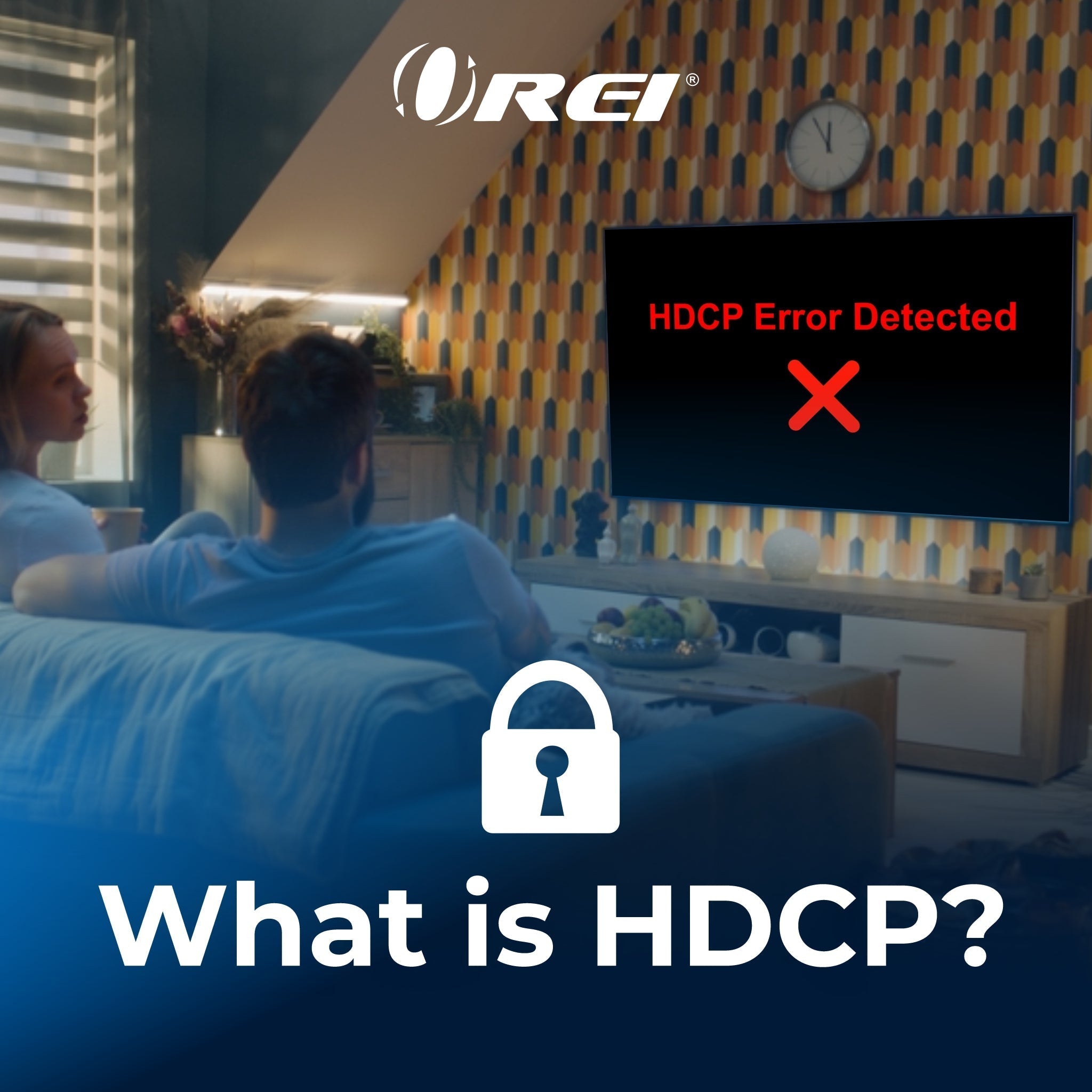
Understanding HDCP and Its Importance in HDMI Connections
Have you ever tried streaming a show or recording a game, only to be met with a blank screen and a strange error message? Before blaming your internet or devices, you might be dealing with something called High-bandwidth Digital Content Protection (HDCP) protection.